
Enhance your productivity by getting assistance when studying, getting organized, and being present in your academic pursuits through the assistance of Microsoft Copilot. All York University students have access to the free version of Copilot through their Microsoft 365 account.
Before using AI for any course-related tasks or assistance, please consult the AI Technology & Academic Integrity - Academic Integrity page for guidelines on permissible AI use in academics at York.
Featured Services
Overview
Experience the cutting-edge capabilities of Microsoft Copilot, an AI assistant powered by advanced language models. Copilot helps you get better answers, work more efficiently, and unlock your creativity. Here are some ways you can use Copilot in your academic life:
- Explain difficult ideas in clearer, simpler language
- Break down the steps of a math or science problem
- Generate quiz questions for quick review
- Help organize notes, deadlines, and study plans
**For more guides on how to utilize Copilot for students, check out Microsoft's articles on Copilot for students>>
Copilot is only available in your browser and does not extend to the rest of your Microsoft 365 apps like Word or PowerPoint.
How do I Access it?
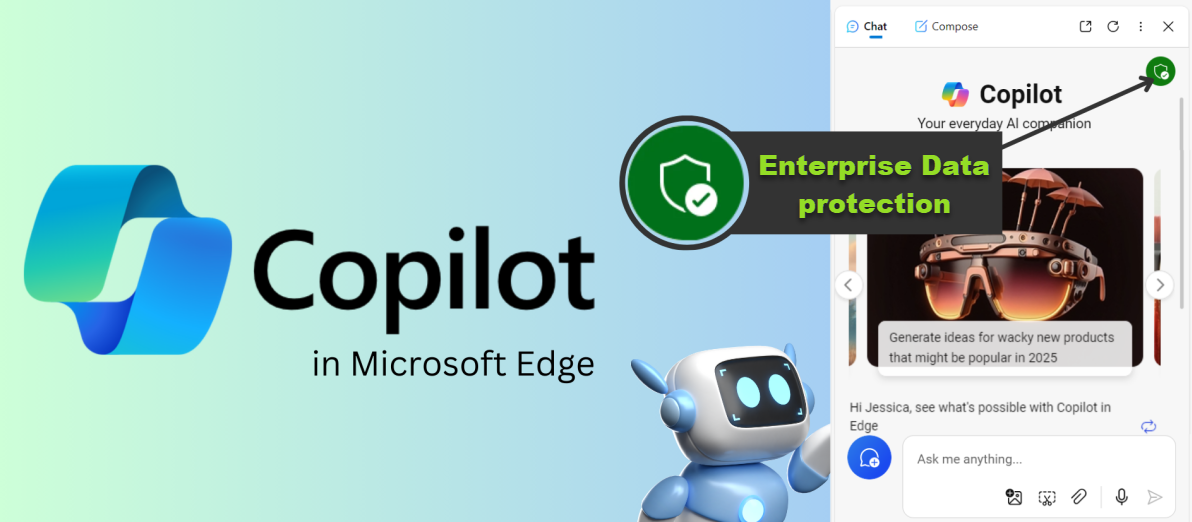
Visit www.copilot.cloud.microsoft.com. Sign in with your Passport York ID to get access and Enterprise data protection. Check for a green shield to know you're using Copilot safely. Not sure what Enterprise data protection is? Click here for more info>>
Tips for using Copilot
- Always double-check information for accuracy.
- Combine AI help with your textbooks, notes, and lectures.
- Ensure that you are following York University’s academic integrity rules.
Frequently Asked Questions
Copilot FAQs

Learn More
Not finding what you are looking for or need technical assistance? We are here to support you!