
UIT's Computer Services delivers reliable, secure, and fully supported computing environments for York University Faculty and Staff. Services include desktop and device support, computer renewals, Apple device management, on-campus and remote lab access, and virtual desktop solutions through Azure.
Featured Services
Overview:
Desktop Services (UIT) at York University campus provide comprehensive technical support and solutions for the York community, ensuring seamless and secure operation of computers, tablets, printers, and classroom technology.
Overview:
The Computer Renewal Program (CRP) provides Faculty of Health (FOH) members with access to high-quality desktops and laptops for their academic and professional work. This program ensures that faculty have reliable, up-to-date technology to support research, teaching, and administrative activities.
Eligibility
Active Faculty of Health members.
Key Features
- A base amount of $1750 of the total order cost will be covered by the CRP for Faculty of Health members
- A curated selection of laptops and desktops suited for University use
- Standard configurations that balance performance and sustainability
- Managed lifecycle with support from University Information Technology (UIT)
- Renewal eligibility every 48 months from the last deployment date
Submitting Orders
Faculty of Health members are encouraged to submit renewal orders between May 1, and February 15. Orders submitted in March and April will be managed on an exception basis, which may result in delays.
All CRP orders require you to fill out and submit the form below with your order:
Visit our Computer Purchase page for a list of eligible devices and buying advice from our support experts.
Overview:
University Information Technology (UIT) offers a unified Apple device management service with Jamf Cloud as the industry leader in Apple mobile device management (MDM).
UIT provides the service to manage University-owned Apple devices. The service heavily relies on the University procurement platform in conjunction with the supplier https://smartbuy.info.yorku.ca/ and Apple School Manager (ASM).
Service Features
Core components of the Jamf Cloud service are:
- Single Sign-on with Passport York account.
- Automated device enrollment (zero-touch deployment).
- Manage device and software inventory.
- Manage Mac and iPad operating systems (current and the last major version).
- Manage software packages and updates.
- Apply security policies
Who is this service for?
Service is offered to all York University IT who manage and support Apple computers for academic and administrative purposes.
Service Cost
Service cost is $32 per device, per year.
How do I access it?
Submit appropriate service request form on ITSM service portal, askus.yorku.ca.
Service Catalog Category
End-Point Computing | End-Point Support
Hours of Support
Emergency escalation in the event of an unplanned service outage:
Standard business hours
Monday to Friday,
08:30am to 4:30pm
Contact USC Client Services
Email: askit@yorku.ca
Web: https://askus.yorku.ca/
Overview:
York University provides a series of computer labs for faculty and students to access computing resources and a variety of software in support of learning, personal creativity and research activities at York.
The drop-in computer labs are supported and managed by York’s University Information Technology (UIT) organization. In addition, individual Faculties provide “Teaching Labs” of varying seating capacities, for use in specific courses.
**Please note your Passport York username and password are required to use computers in the labs.
How do I access it?
Location:
83 York Boulevard (Keele Interactive Map)
136 Campus Walk (Keele Interactive Map)
Computing Commons print release and scanner stations
| Device | Affiliation | Location | Queue Name |
|---|---|---|---|
| Scanner | Students/Faculty | Computing Commons | N/A |
| B&W Printer | Students/Faculty | Computing Commons | WSC Laserjet 9050B/W |
How to log in to lab computers
- You MUST log in before accessing any of the lab applications
- In the "Name" field type your Passport York username.
- In the "Password" field type Your Passport York password.
| Remote Labs | No. of Seats | Operating Hours |
|---|---|---|
| Glendon Digital Media Lab | 12 | TBD |
| Glendon YH030A Lab | 46 | TBD |
| Glendon YH220 Lab | 28 | |
| Faculty of Health PSYCH Hebb Undergraduate Lab | 30 | Daily, 6:00am-10:00pm |
| Faculty of Health PSYCH Hebb Graduate Lab | 12 | Daily, 24 hours except W/R 12:00-6am |
| Faculty of Health KIN Lab | 99 | Daily, 7:00am-1:00am |
| Faculty of Health Nursing PhD Lab (HNES B14) | 5 | 24/7 |
| Lassonde School of Engineering BCEE 030 | 24 | 24/7 |
| Lassonde School of Engineering WSC 100 | 24 | 24/7 |
| Lassonde School of Engineering WSC 101 | 24 | 24/7 |
| Lassonde School of Engineering WSC 102 | 48 | 24/7 |
| Lassonde School of Engineering WSC 104 | 24 | 24/7 |
| Lassonde School of Engineering PSE 133 | 15 | TBD |
| Lassonde School of Engineering PSE 315 | 15 | TBD |
Please click here for York Library Computing sites
Please click here for HNES Lab Booking Form
- Soliciting of any kind is not permitted.
- Food and drink are not allowed in the Computing Commons. The only exceptions are capped bottles of water (not juice/pop) and spill-proof mugs.
- Talking on cell phone is not permitted in the Computing Commons. However clients can text, check voicemail, browse the web etc on their phones..
- The computers in the Commons are for academic use only. The playing of games and watching of videos for non-academic purposes is prohibited.
- Out of respect for your neighbors please keep noise to a minimum while in the commons and refrain from engaging in any activity that would be considered disruptive to others. If you are listening to audio you must use headphones and they must be kept at a volume that is not audible to other clients in the commons. Earphones are available for a small fee from the vending machine in the William Small Centre Computing Commons. If you are conversing with other students please keep your voice low.
- The sharing of your accounts or passwords is strictly forbidden by senate policy. Any accounts that are determined to be in use by someone other than the owner will be locked. A meeting with a computer-hearing officer must be arranged to determine if access to locked accounts can be reinstated.
- Clients are not allowed to use their own paper in the Computing Commons printers. Please be aware that we use only white letter sized paper in our printers. Clients who are found trying to insert their own paper through the manual feeders may have their computing accounts locked. If a printer is out of paper or a printer is jammed please ask one of our staff for assistance.
- Faculty members with active Passport York accounts and YU-cards can use the Computing Commons lab printers. Clients using these printers are charged 10 cents per page. The 10 cents charge applies to printing from the Computing Commons labs, from home and from the central UIT email system.
- To pay for printing services, you can obtain a YU-card at the Computing Commons in William Small Centre or at any of the York Libraries.
- **Please note UIT does not issue refunds for printing. Take your complaints about print output to the Counter in the Computing Commons to ask about possible re-printing.
- Computing workstations left unused will automatically be logged out and any personal items left unattended may be moved to the front counter. Any work not saved to the home drive (i.e. F: drive) will be lost after the computer restarts.
- Questions, comments and concerns regarding the Computing Commons can be addressed to askit@yorku.ca.
Overview:
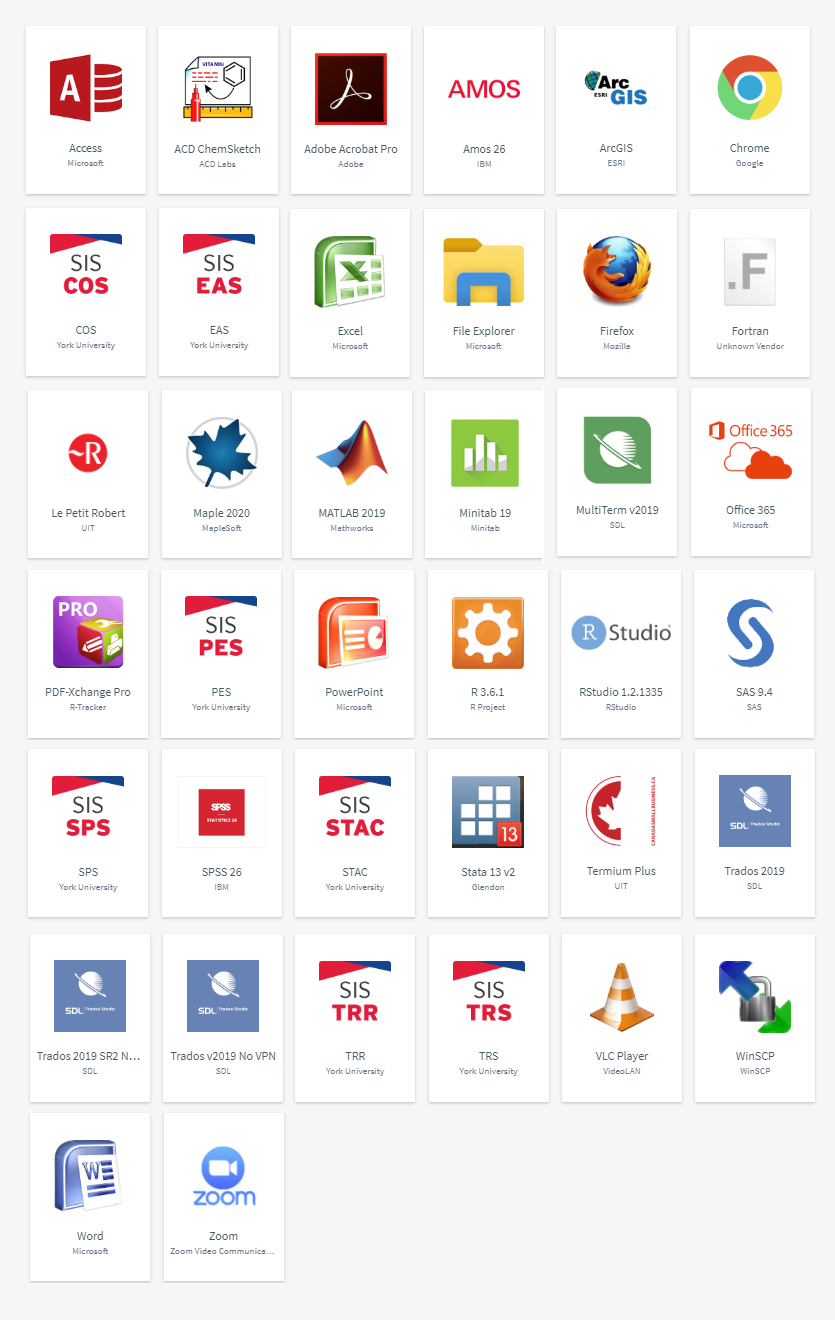
We strongly encourage Faculty to use MyApps, which is York University's one-stop portal to remotely access the software you need.
Remote Lab Access is an accommodation to provide remote access to select computing lab facilities with course software that is not available on MyApps.
Requirements:
Authentication:
Authentication to the service requires a Passport York account.
Supported client operating systems:
- Mac OS X, 10.13 and higher
- Microsoft Windows 10 and higher
How do I access it?
Access to the computing lab facilities is restricted based on your Faculty affiliation.
List of available remote lab computers and Faculty affiliation are listed under FAQ #1.
- Install, Configure VPN Client and Connect to ‘VPNYork’
You must download the VPN client>> - Install Microsoft Remote Desktop on your device: Client Download (Mac OS / Windows)>>
- Connect to a lab computer
- Select an available computer using the button above.
- Click the Connect button. A connect window will pop-up. Click the Download button.
- Open the file that was downloaded. You may be prompted with a security warning. Click Continue.
- When asked for your credentials, click more choices, and then click Use a different account. (You will not need to click more choices on Mac)
- In the username field, type yorku\ followed by your Passport York username (For example, yorku\janedoe), and then type your password in the next field.
- You will be prompted with another security warning. Click Yes. (Continue on Mac)
Overview:
Azure Virtual Desktop (AVD) is York University’s virtual desktop platform hosted on
Microsoft Azure. With AVD, IT groups can deliver affordable, secure remote desktop
and application experiences to students, faculty and staff on campus or remotely from anywhere.
- AVD is managed by Microsoft and falls under their service level agreements (SLA)
- Service health status, historical uptime and availability are published on Azure status
- Refer to What's new in Azure Virtual Desktop? for the latest updates, features, improvements and bug fixes.
Access
Contact your IT support group to access AVD.
Frequently Asked Questions
My York Computer FAQs
CRP FAQs
Computer Labs FAQs
WebPrint FAQs
Remote Labs FAQs

Learn More
Not finding what you are looking for or need technical assistance? We are here to support you!